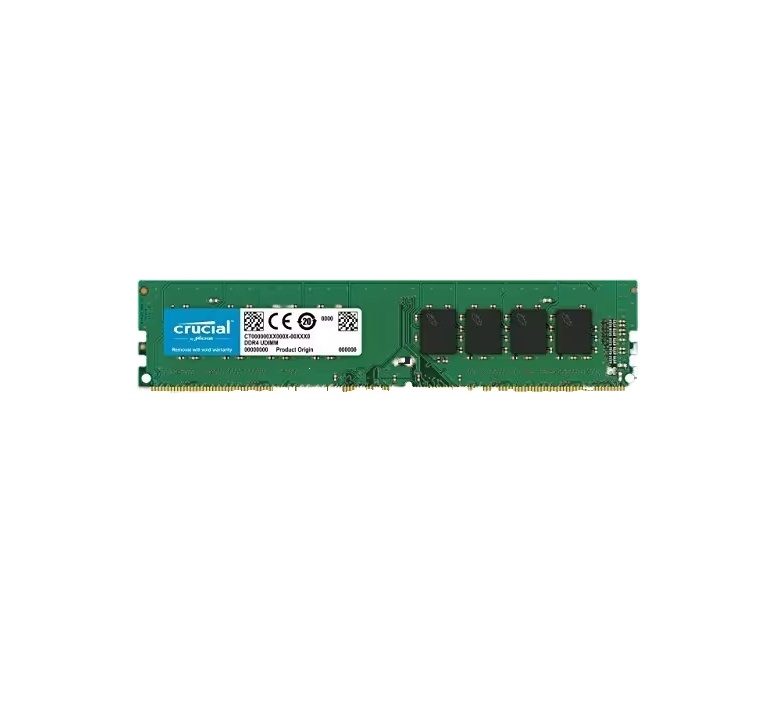
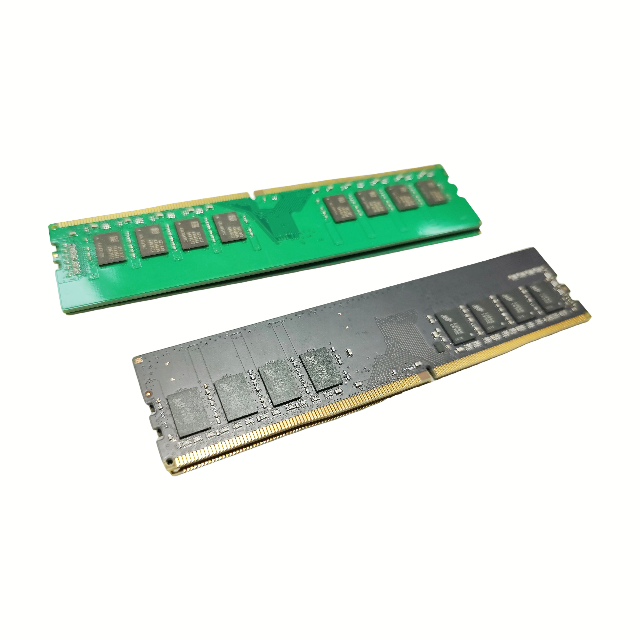
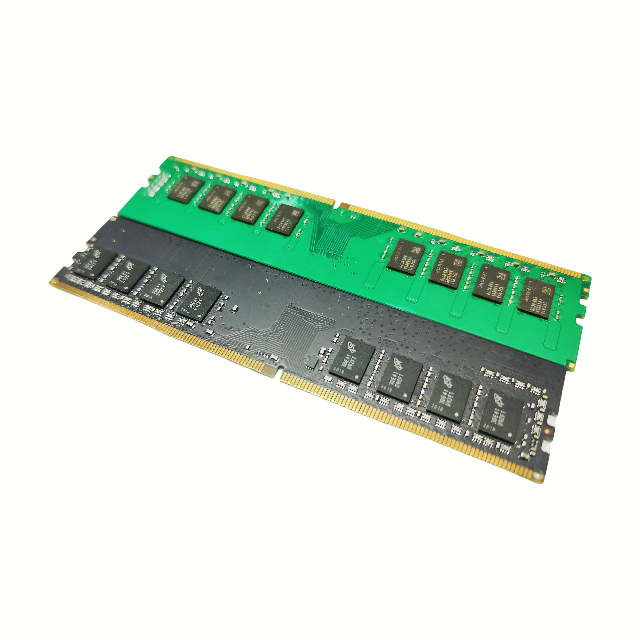
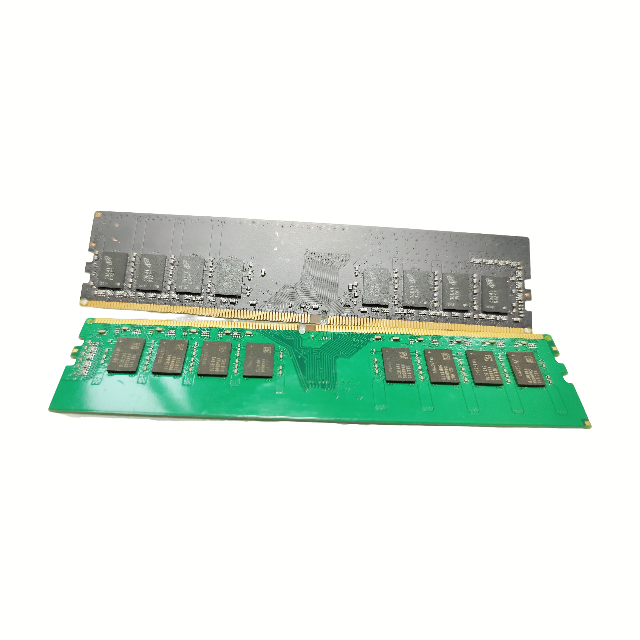
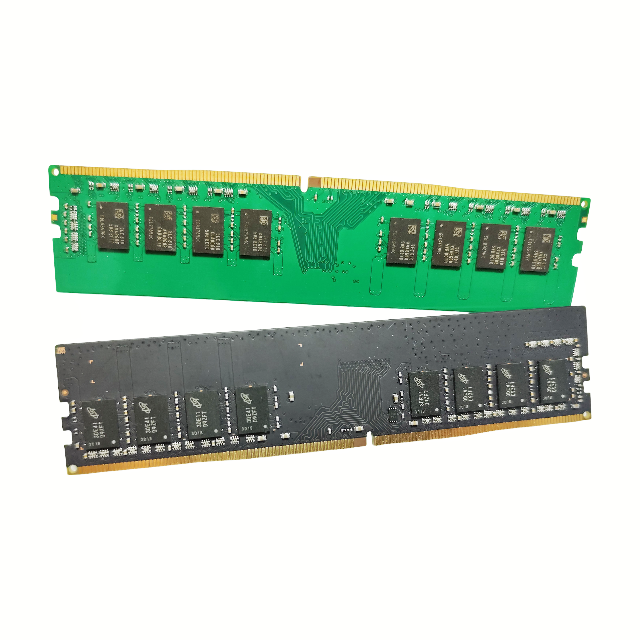
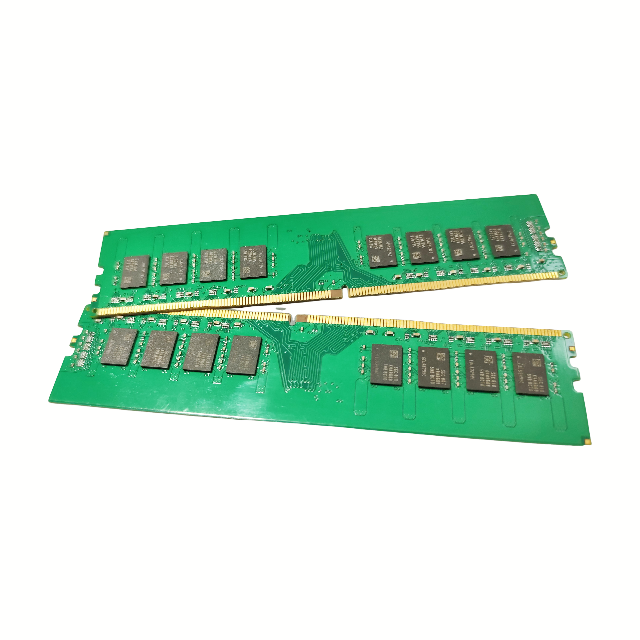
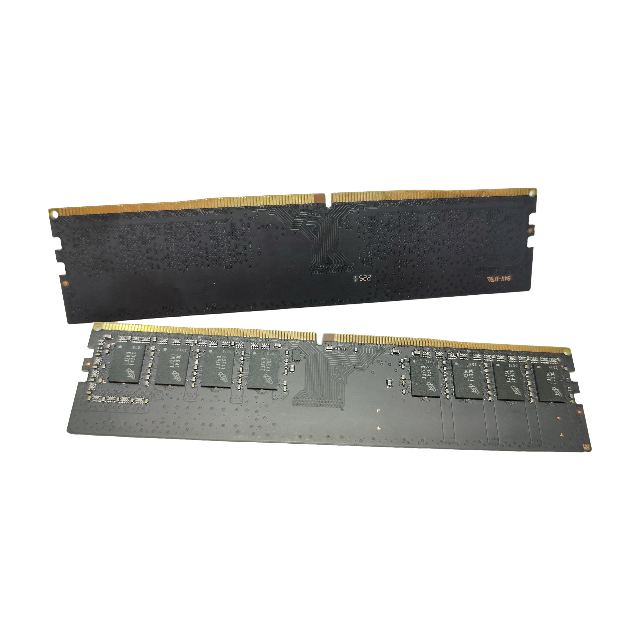
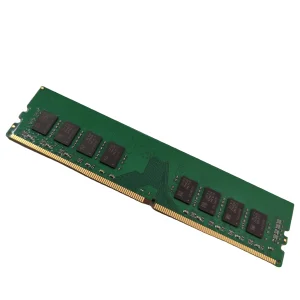
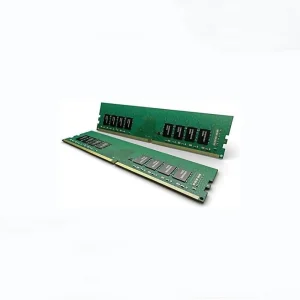
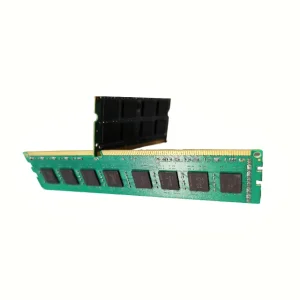
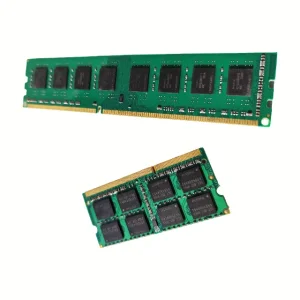
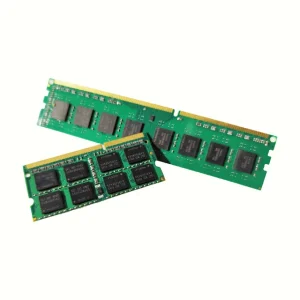
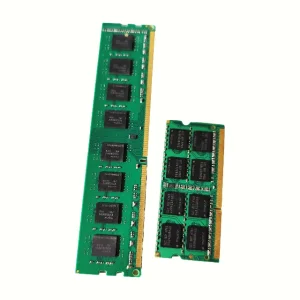
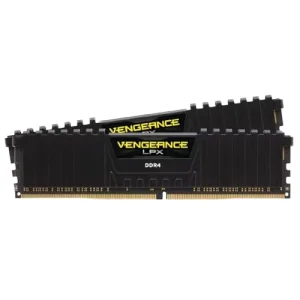
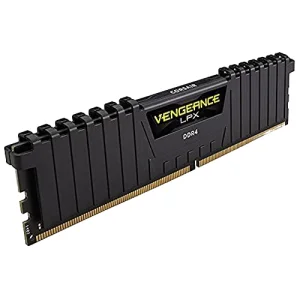
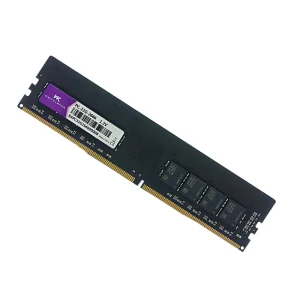
Q1: Is this DDR4 notebook memory compatible with my laptop?
A: This module is compatible with most modern laptops that support standard DDR4 SO-DIMM memory. Please verify your laptop's CPU and motherboard specs before purchasing.
Q2: Can I install this memory module alongside my existing RAM?
A: Yes, but for the best stability and performance, we recommend using memory modules of the same capacity, speed, and brand.
Q3: Does this DDR4 laptop memory support dual-channel configuration?
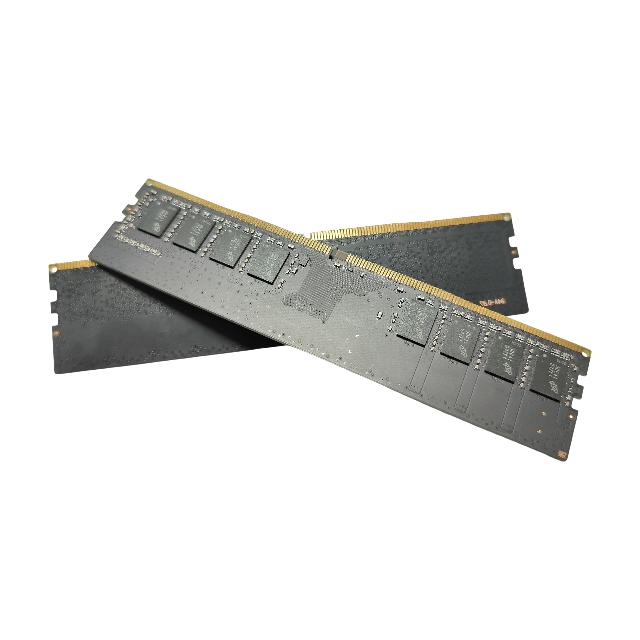
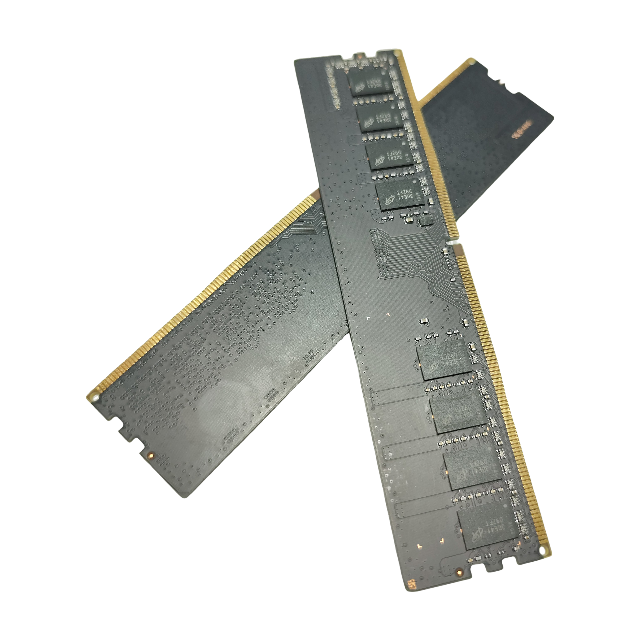
A: Yes, if your laptop has two memory slots and you install a pair of matched DDR4 memory modules, they will run in dual-channel mode.
Q4: How do I install this memory module in my notebook?
A: Turn off the laptop, remove the battery (if possible), open the back panel, locate the RAM slots, insert the module at a 30-degree angle, and press down gently until it clicks.
Q5: What should I do if my laptop does not boot up after memory installation?
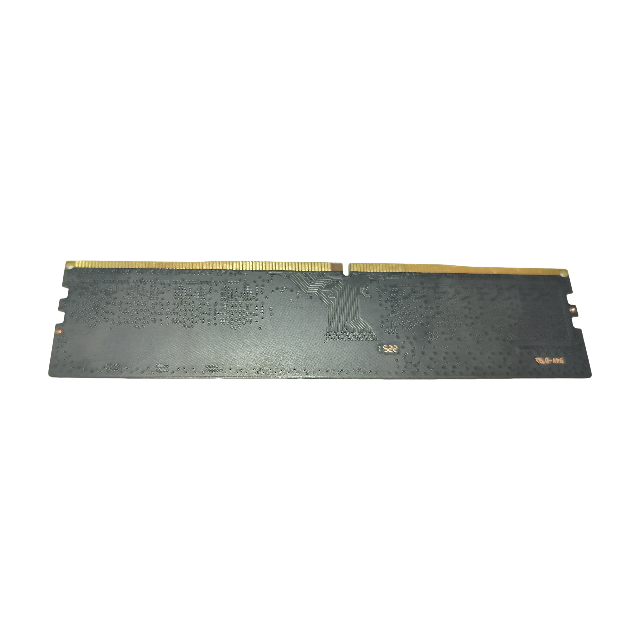
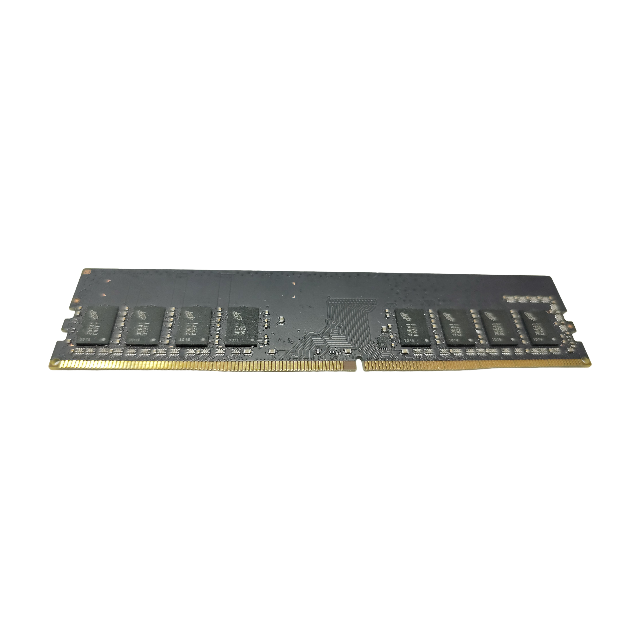
A: Ensure the module is firmly inserted into the slot. You can also clean the gold-plated contacts with an eraser and reinstall it.
Q6: What precautions should I take regarding static electricity during installation?
A: It is recommended to discharge static electricity from your body by touching a grounded metal object before handling the memory module.
 Xeviora