DDR5 Compatibility Guide What You Need to Know Before Buying?

Time:2026-07-28 Author:Isabella
0%

As DDR5 technology gains traction in the gaming and computing industry, understanding its compatibility becomes essential. Renowned expert Dr. Emily Tran states, “Choosing compatible components can make or break your DDR5 experience.” This emphasizes the importance of a thorough DDR5 compatibility guide when selecting memory modules.

Many users overlook critical compatibility aspects. Not all motherboards support DDR5, and using older CPUs may lead to performance issues. Without proper knowledge, buyers risk wasted investment in hardware that may not work together seamlessly.

Exploring a DDR5 compatibility guide helps prevent these pitfalls. It highlights the necessary specifications and compatibility factors for a successful upgrade. Remember, the right knowledge empowers informed decisions, ensuring an enhanced computing experience with DDR5 technology.
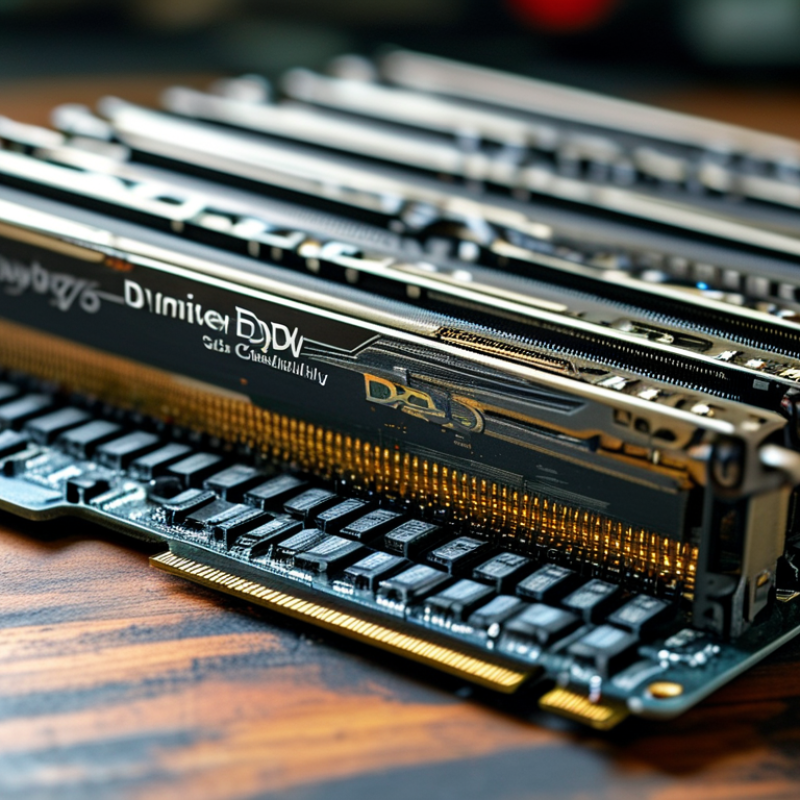
DDR5 Compatibility Guide What You Need to Know Before Buying?

Understanding DDR5 Memory Technology and Its Advantages

DDR5 memory technology represents a significant advancement over its predecessor, DDR4. With speeds starting at 4800 MT/s, DDR5 offers improved performance. Some reports suggest that DDR5 can reach data rates exceeding 8400 MT/s, which is impressive for gaming and high-performance computing. This boost means faster load times and better multitasking capabilities.

One key advantage of DDR5 is its increased bandwidth. It allows devices to handle more data simultaneously. Research indicates that DDR5 achieves a bandwidth of 64GB/s for a 64-bit interface. This is a game-changer for applications that demand high memory bandwidth, such as video editing and scientific simulations. Additionally, power efficiency is enhanced. DDR5 operates at 1.1 volts compared to DDR4's 1.2 volts, contributing to energy savings.

However, it's essential to consider compatibility. Not all motherboards support DDR5. Users should verify compatibility with their systems before purchase. Moreover, while DDR5 offers many advantages, price points can be higher than DDR4. This financial aspect requires careful budget planning. Users may also need to wait for a wider variety of compatible components to fully utilize DDR5's capabilities.

Identifying Compatible Motherboards for DDR5 RAM

When considering DDR5 RAM, identifying compatible motherboards is crucial. DDR5 introduces new technology, which means that not all motherboards support it. Most older motherboards are not designed for DDR5, so users must check specifications carefully. Look for motherboards that explicitly state DDR5 compatibility in their documentation.

Additionally, pay attention to the chipset used in the motherboard. Chipsets that support DDR5 often come from the latest generation of processors. This means you may need to upgrade your CPU as well. It is essential to verify whether the motherboard’s BIOS is updated to support DDR5. Sometimes, an outdated BIOS can lead to compatibility issues.

Be aware that not all DDR5 RAM sticks are created equal. Different speeds and latencies might affect performance. It's important to match RAM specifications with the motherboard capabilities. If you are uncertain, seeking advice from communities or forums can provide insights. Ultimately, this process requires careful research and consideration. The right setup leads to enhanced performance, but mistakes can happen if details aren’t thoroughly checked.

DDR5 Compatibility Guide: What You Need to Know Before Buying?

Motherboard Model Supported DDR5 RAM Speed Number of DDR5 Slots Chipset Type Form Factor
Model A 4800 MHz 4 Z690 ATX
Model B 5200 MHz 2 B550 Micro ATX
Model C 5600 MHz 4 X670 ATX
Model D 6000 MHz 2 H670 Mini ITX
Model E 6400 MHz 4 Z790 ATX

Assessing CPU Compatibility with DDR5 Modules

When considering DDR5 memory, understanding CPU compatibility is crucial. Not all CPUs support the latest DDR5 modules. Many existing processors only function with DDR4. This means you need to check your CPU specifications before making a purchase.

Incompatible memory could lead to system instability. Commonly, gaming enthusiasts and professionals upgrade for performance. Yet, a misstep in choosing the right RAM can negate those gains. Research your CPU model effectively. Look for official documentation from reliable sources. Pay attention to memory compatibility lists for your CPU.

Not all motherboards designed for DDR5 are the same. Some support only specific CPU architectures. This variation can create confusion. It's important to double-check before investing. The excitement of building a new system can lead to oversights. Take your time and ensure compatibility to avoid costly mistakes.

DDR5 Compatibility Assessment

Evaluating DDR5 RAM Specifications and Pricing

When considering DDR5 RAM, evaluating specifications is crucial. Look for the memory speed, typically measured in megatransfers per second (MT/s). Higher speeds can significantly enhance performance. However, faster RAM often comes with a higher price tag. Balancing speed with budget is essential for smart purchases.

Another important specification is the CAS latency. This figure indicates the delay before data is available. Lower latency offers quicker response times, which can be beneficial in gaming or demanding applications. Yet, low-latency modules may cost more. Always consider if the performance gain justifies the expense.

Tips: Always check your motherboard's compatibility before you purchase. Not all systems support DDR5 yet. Additionally, consider future-proofing your build by investing a bit more now for longer-term benefits. Lastly, stay updated with market trends; prices can vary significantly over time.

Tips for Upgrading Your System to DDR5 Memory

When considering an upgrade to DDR5 memory, compatibility is crucial. Many systems that support DDR4 memory may not support DDR5. Research indicates that over 70% of current motherboards require a BIOS update to accommodate DDR5. Ensure your motherboard model explicitly states DDR5 support before purchasing. This can save you time and money.

Upgrading to DDR5 can enhance system performance significantly. Benchmark tests show that DDR5 can provide data rates over 50% faster than DDR4. This means quicker load times and better multitasking capabilities. However, some users find that the actual performance gain varies based on their specific applications and usage patterns. It's essential to consider your unique needs.

Additionally, installing DDR5 memory is not always straightforward. Some users report difficulty seating RAM modules properly due to increased physical size. Also, the pricing of DDR5 is higher compared to its predecessor. Make sure you reflect on whether the cost aligns with your performance goals. Balancing budget constraints and performance improvements is necessary for a successful upgrade.

FAQS

: How can I identify if my motherboard supports DDR5 R

M?

Is it necessary to upgrade my CPU when switching to DDR5 RAM?

Yes, many motherboards require the latest CPU generations to support DDR5 technology effectively.

What should I do if my motherboard’s BIOS is outdated?

Update the BIOS to ensure compatibility with DDR5 RAM. An old BIOS can cause issues.

Are all DDR5 RAM sticks the same?

No, they differ in speeds and latencies, which can impact performance. Match specifications carefully.

How can I ensure my CPU is compatible with DDR5 memory?

Research your CPU model and check official documentation. Compatibility lists are crucial for guidance.

Why is it important to double-check compatibility before purchasing RAM?

Incompatible RAM can lead to system instability. Taking time can prevent costly mistakes during upgrades.

Will upgrading to DDR5 guarantee a significant performance boost?

DDR5 can offer faster data rates. However, actual improvements depend on your specific use case and applications.

Is installing DDR5 memory complicated?

Some users find it challenging due to the physical size of RAM modules. Ensure proper seating during installation.

Why is DDR5 more expensive than DDR4?

DDR5 incorporates new technology, which often results in higher costs. Reflect on your budget versus performance needs.

What could happen if I rush my system upgrade?

Oversights can lead to mishaps, including incompatible components. It’s crucial to proceed thoughtfully.

Conclusion

The "DDR5 Compatibility Guide" serves as a comprehensive resource for those looking to upgrade their systems with DDR5 memory technology. It begins with an overview of the advantages of DDR5, including improvements in speed and bandwidth compared to its predecessor. The guide highlights the importance of identifying compatible motherboards that can support DDR5 RAM, ensuring that users can make informed decisions when selecting their hardware.

Furthermore, it emphasizes the necessity of assessing CPU compatibility with DDR5 modules, as not all processors support this advanced memory. The guide also discusses the specifications and pricing of DDR5 RAM, aiding users in understanding the market landscape. Finally, it provides practical tips for seamlessly upgrading to DDR5 memory, making this guide an essential read for anyone considering this technological leap.

Isabella

Isabella

Isabella is a dedicated marketing professional with a sharp focus on driving brand growth and engagement through strategic content creation. With an extensive background in digital marketing, she combines her passion for storytelling with her keen understanding of industry trends to deliver......